Nurse > Nurse > Preferences
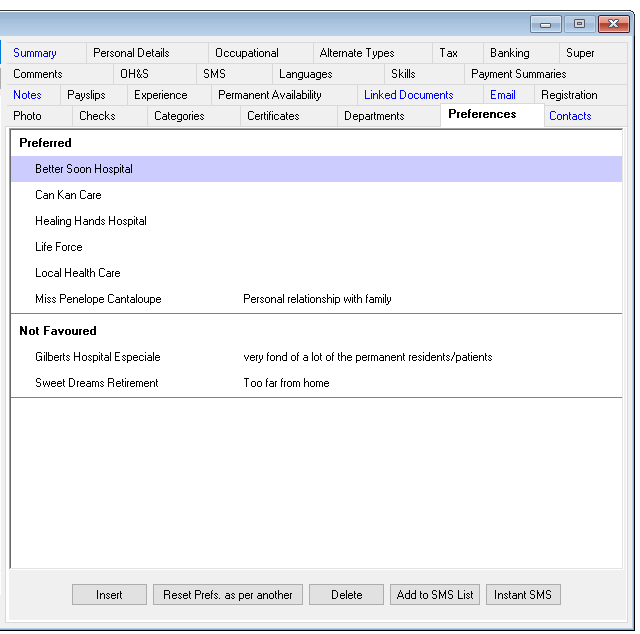
The Preference Information tab records a Nurse’s preferred and not favoured Hospitals. A Nurse’s preferences are used in the shift rating process.
If a Hospital is not favoured by the Nurse, the Nurse will not appear as a possible candidate for any shifts with that Hospital.
If the Hospital is preferred, the Nurse will be ranked higher than other Nurses who do not have preference for the Hospital.
Adding a Preference
To add a Nurse preference for a Hospital –
- Select Insert on the Preferences tab.
- Hospital – Select from the drop-down menu.
- Preferred Hospital – Tick if preferred, remove tick if not preferred.
- Comments – Free text area.
- OK – To save and exit.
- Cancel – To exit without saving.
Venus will automatically sort preferences into “Preferred” and “Not Favoured” on the tab.
Editing a Preference
To edit a Nurse preference for a Hospital-
- Highlight the preference to be edited.
- Select Edit on the Preferences tab.
- Update the information as required.
- OK – To save and exit.
- Cancel – To exit without saving.
Deleting a Preference
To delete a nurse preference for a hospital –
- Highlight preference to be deleted.
- Select Delete.