Accounts > Display Generated Accounts
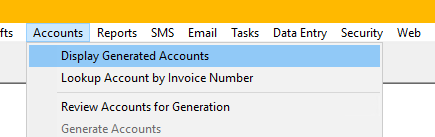
Display Generated Accounts allows you to review accounts that have already been generated for previous accounts periods.
Invoices are time sensitive and retain the information and format current at the time of generating the invoice. Any changes made to Hospital details after generating the invoice will not be reflected in previously generated invoices.
To Display Generated Accounts -
- Accounts > Display Generated Accounts.
- Select the start and end Account Period Range or, Select the Invoice date range using Filter by Invoice Date.
- Select All or a specific Hospital. Only Hospitals with an invoice in the selected Account Period or date range will be displayed.
- Select All Invoices by a Department.
- Refresh – Updates the information displayed.
- Email – Displays all Hospitals with Email Invoices selected and begins process of emailing selected Hospital invoices.
- Filter Out “Email Invoices” – when selected only displays Invoices who do not have their invoices emailed.

Print – You can print the invoice from this screen.
Email – If you have the Email Module, you can email the invoice to the Hospital from this screen.