This function is only available to clients with Venus installed on their PC
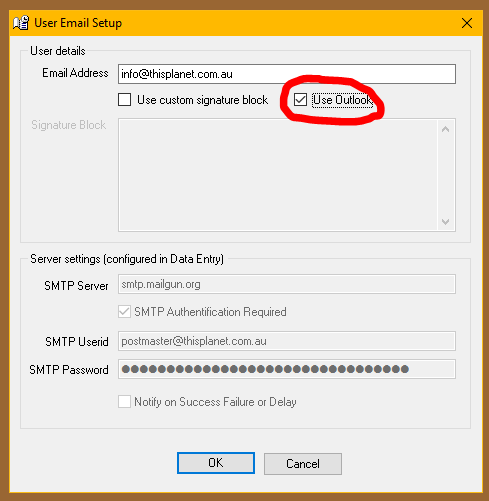
This feature is optional and will be turned off by default. When switched on, rather than sending emails using its own functionality, Venus will use a locally installed Outlook client to send the emails. This means you have all of the Outlook functionality including copies in your sent items, tracking and read receipts etc.
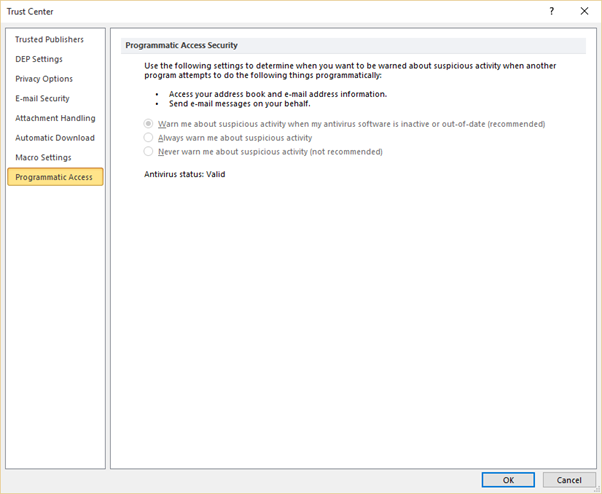
NOTE: There are security features in Microsoft Outlook which warn you when a program tries to send an email using Outlook. This could potentially be a problem if someone tries to send bulk emails using this feature as the warning message is displayed for each email sent, and it makes you wait for a few seconds each time before you can dismiss the message. The security check can be turned off in Outlook however the exact procedure to do this varies between different versions of Outlook and may be additionally affected by other software.
Refer to your system administrator or IT service provider for instructions on how to change this setting. The option can be changed by altering a key in the Windows Registry but this is also different depending on the version of Outlook installed.