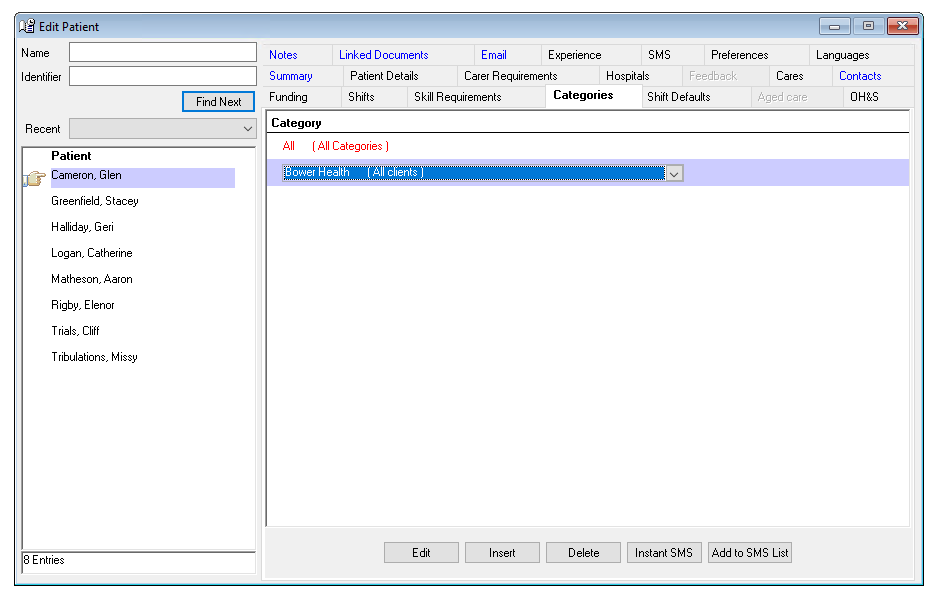
Categories allow for enhanced filtration of clients, staff and patient relative to any choice of categories you choose. Tpically we see clients use categories to delineate their staffing into areas or regions, but it can also be used to group certain pools of staff and clients relative to years of experience, specialist requirements etc.
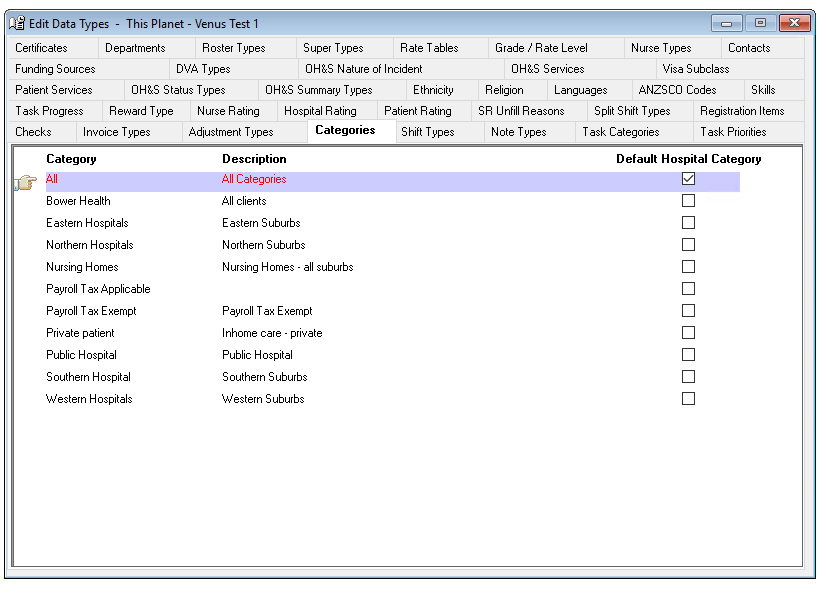
Data Entry > Types > Categories
The Categories tab records the different Categories a Hospital may belong to, and a Nurses preferred categories.
Categories can be many things, for example –
- The type of hospital e.g. Private, Nursing Home, public etc.
- The geographic location e.g. Northern, Southern etc.
- The Parent Company or Head Office etc.
- Used for Payroll exempt companies.
- A nurse may prefer to work in a specific location or facility type e.g.: nursing home
- Patient may be a private patient or one under a special care program.
Adding a Category Type
To add a Category Type -
- Click Insert on the toolbar.
- Category – The name of the Category.
- Description – A description, if required.
- Default – Tick to apply the category to all new hospitals.
- The information is saved when you leave the tab.
Editing a Category Type
To edit a Category Type -
- Highlight the Category Type to be edited.
- Overtype as required.
- The information is saved when you leave the tab.
Deleting a Category Type
You cannot delete a Category Type if it has been allocated to a Hospital.
To delete a Category Type –
- Highlight the Category type to be deleted.
- Select Delete on the toolbar.
Nurse > Nurse > Categories
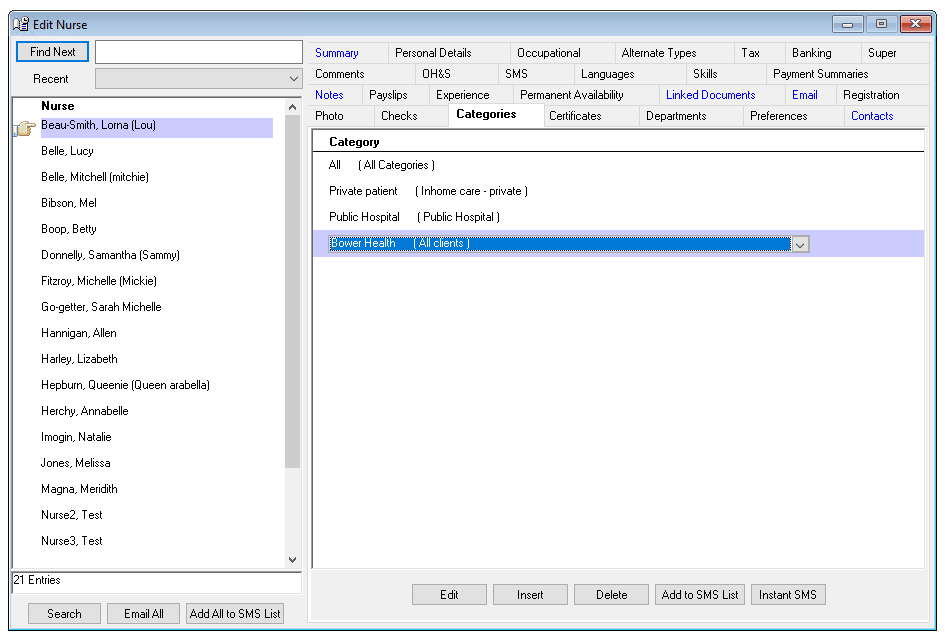
Categories information tab allows a Nurse to indicate if she has a preference for any of the hospital categories created by your Agency for your Hospitals. Categories are assigned to Hospitals in the Hospital Category tabs.
The Hospital Category is used in Single and Multiple-Shift Rating. A flag on these screens indicates when there is a match between a Nurse’s category and the Hospital’s category. A matched Nurse will be rated higher than a Nurse who does not have a match.

A Nurse can have none, one or many hospital category preferences.
Adding a Nurse Preference for a Hospital Category
To add a nurse hospital category preference -
- Select Insert icon on the Hospital Category Preferences tab.
- Hospital Categories – Select from the drop-down menu.
- The information is saved when you leave the tab.
Deleting a Nurse Preference for a Hospital Category
To delete a nurse hospital category preference -
- Highlight the category to be deleted.
- Select Delete.
Hospital > Hospital > Categories
Hospital Categories tab allows you to associate a Hospital with one or many Hospital Categories.
A Nurse can indicate a preference for Hospital Categories.
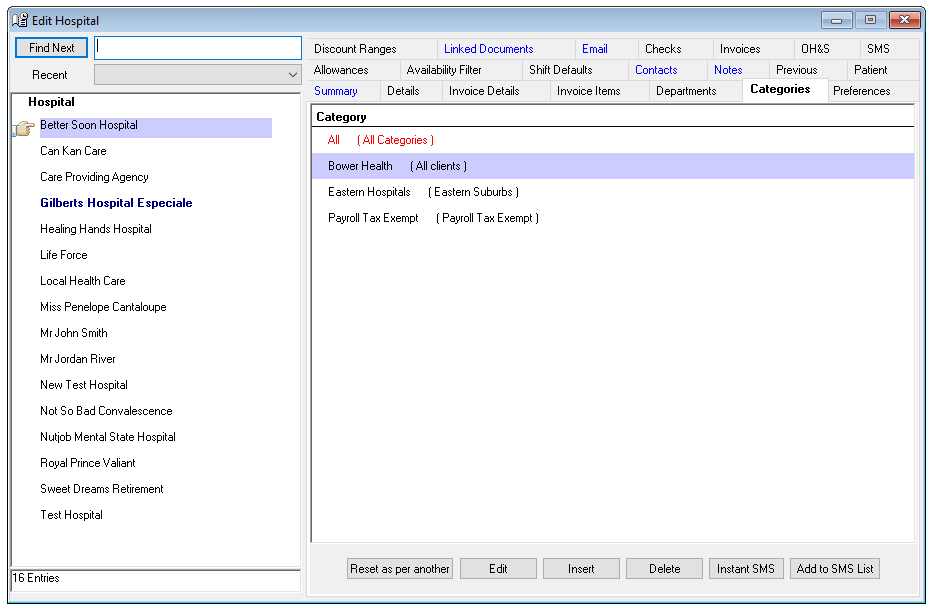
Hospital Categories are used when recording a Nurse’s availability for a shift and when rating availability of Nurses for a Hospital’s shift request. A match between the Hospital Category and the Nurse preference for that Category it is indicated on the Single and Multiple-Shift Rating screens.
Adding a Category to a Hospital
To add a Category -
- Select insert on the Categories tab.
- Select the required category.
- Categories will be saved when you leave the tab.
Editing a Category
To edit a Category – go to Data Entry > Types > Categories
- Highlight the Hospital Category to be edited.
- Update the information, as required.
- The change will be saved when you leave the tab.
Deleting a Category
To delete a Category -
- Highlight the category to be deleted.
- Select delete.
Patient > Categories
A Patient can belong to a category to assist with filtering and searching on the Multiple Shift Rating, Shift Request & Rosters, and rosters screen.
You can define the categories in Data Entry.