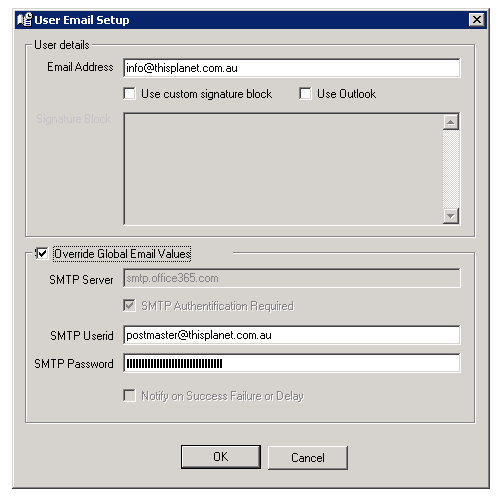
For those with an Office 365 account, you will have the option to either use a company account for all logged in users or an individual 365 account per user.
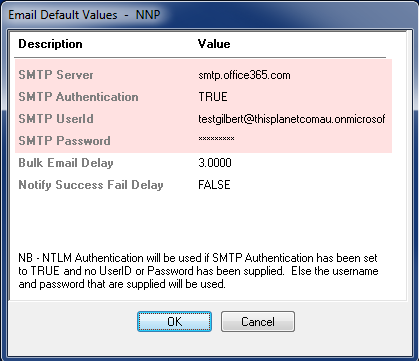
For either configuration, the SMTP settings need to be configured as per the below:
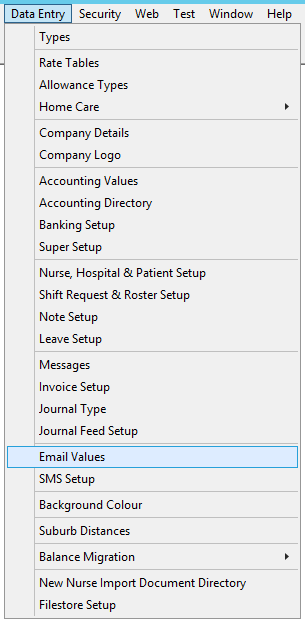
- Under Data Entry and then Email Values
- Enter the below (substituting your credentials into the UserID and Password):
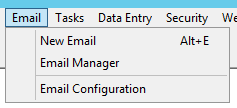
- To utilise individual Office 365 accounts, please enter the individuals account details under "Email" and then "Email Configuration" under each individual log in.
- Select "Override Global Email Values" and enter the individuals SMTP UserID and Password: