Data Entry > Journal Feed Setup
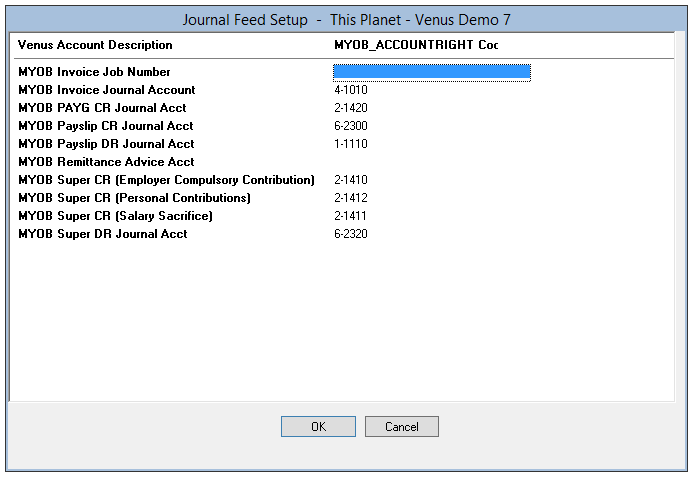
The fields on this tab should be setup to match your Financial Management and Accounting package Account numbers. You may need to consult with your Accountant.
This information is used when Venus creates the Invoice, Payroll and Remittance Advice Journals. The Journals are imported into your Financial Management and Accounting package.
Depending on the accounting system selected in Data Entry > Journal Type, enter the corresponding account codes for information to be imported into MYOB, QuickBooks or Xero.
We recommend you liaise with your Bookkeeper or Accountant to ensure the correct Journals are recorded.
Note for Xero Users: If you are a Xero user, Xero accepts journals that either include or exclude GST. This can be tailored to meet your Xero requirements in the Data Entry > Accounting Values section. Xero Accounts Journal Incl. GST – default is No.