Data Entry > Messages
This is where you record generic messages to be displayed on payslips and invoices.
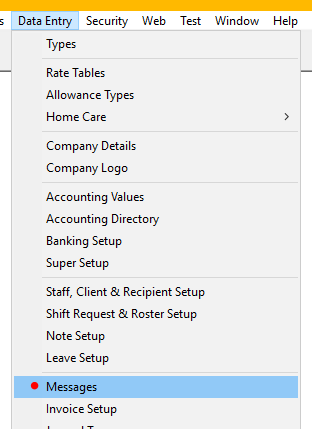
Inserting a message
To insert a payslip or invoice message:
Against either Message Code “Invoice Footer Message” or “Payslip Footer Message”
- Message String – Record the message up to 1000 characters.
- The message is saved when you either leave the field or press OK
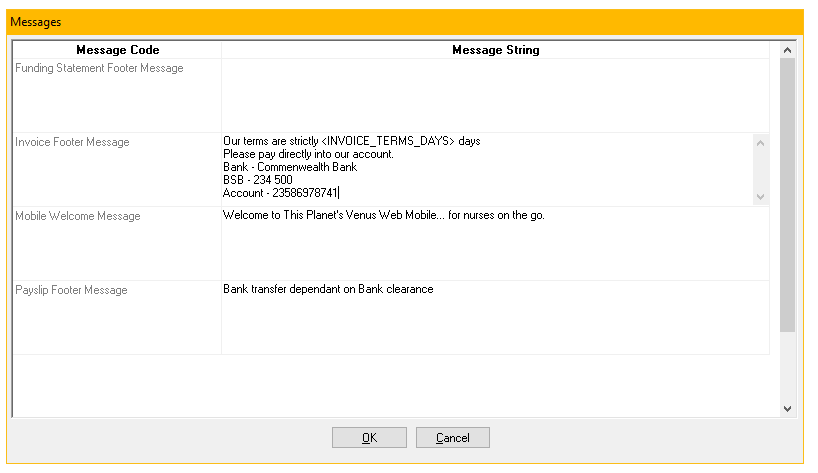
To edit, over type the message as required. It will be applied when payroll or invoices are next generated.
To delete, highlight the message and press delete.