A single roster can be deleted by selecting Delete from either the Delete Icon on the toolbar or the Delete Roster Action Item when you right mouse click.
If the roster was created in Multiple Shift Requests the shift status will be set as New.
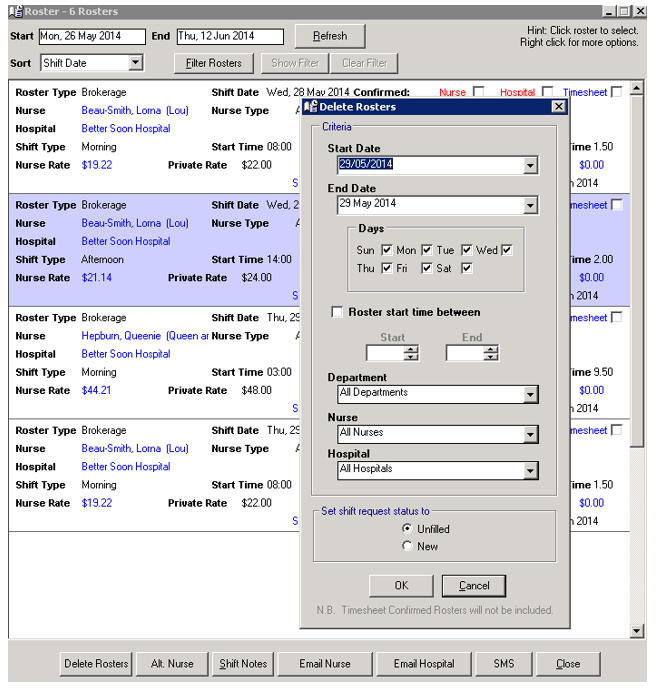
Multiple rosters can be deleted by selecting the Delete Rosters function.
There is an option for rosters created through the Multiple Shift Request / Rating process to have their Status reset as New or Unfilled.
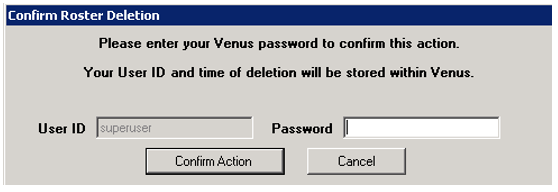
Select the criteria for the rosters to be deleted. Venus will confirm the number of rosters being deleted and will then ask you to confirm your password before finalising the request.
Timesheet confirmed rosters will not be included.